Get started in 5 minutes.
A streamlined 5-step process designed to take you from ECU initialization to high-performance AI-driven calibration.
Create your account
Secure your workspace in our encrypted cloud. Access real-time diagnostic tools and persistent session history immediately.
Create Account
Choose a plan
Scalable performance for every level of engineering requirement.
- 100,000 CL Tokens/mo
- CL-Scan engine
- Email Support
- 500,000 CL Tokens/mo
- 3 AI engines (Scan + Forge + Matrix)
- Priority Support
- 1,500,000 + 10K Ultra tokens/mo
- 5 AI engines + Ultra Mode
- Priority support
Ask your first question
Interact with the AI using technical automotive prompts. The system understands mapping, AFR tables, and injection timing.
Choose the right engine
Different tasks require different computational focus. Select the engine that matches your current engineering phase.
Learn about engines arrow_forwardQuick Diagnostics
Ideal for rapid ECU sanity checks and basic error clearing.
Map Analysis
Advanced map analysis and calibration decision logic.
Deep Calibration
Complex cross-referencing for unusual engine configurations.
Log Analysis
Precision data log analysis and parameter correlation.
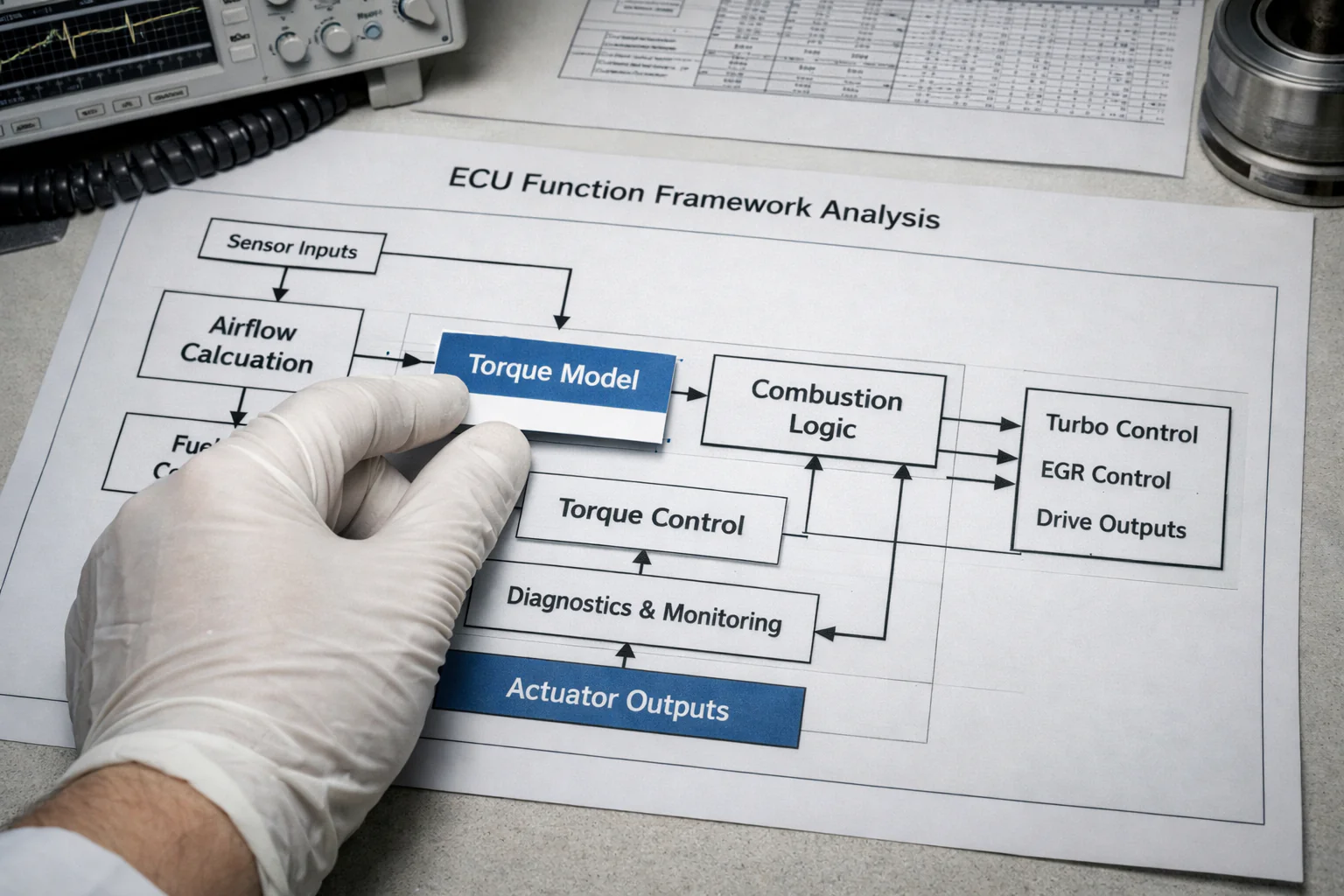
Firmware RE
Expert firmware hex-dump analysis and reverse engineering.
Current Usage
62,000 / 100,000
Track your tokens
Real-time transparency on computational consumption. Every request is logged for audit and efficiency tracking.
How tokens workNext Steps
Analysis Modes
Deep dive into telemetry, dyno graphs, and sensor feedback logic.
Explore Modesintegration_instructionsAPI Access
Integrate CalibraLogic AI directly into your workshop management software.
Read API Docshelp_centerFAQ
Answers to the most common calibration and connectivity questions.
View FAQStuck?
Our engineering support team is ready to help with your first calibration.